
Features
The Tools you need to Build WordPress Block Patterns
Pattern Builder is a free, open-source WordPress plugin for creating, editing and organizing block patterns. It manages theme patterns and user patterns together, creates every kind of pattern WordPress knows, gives an AI agent the same access, and keeps your collections between your sites.
Manage
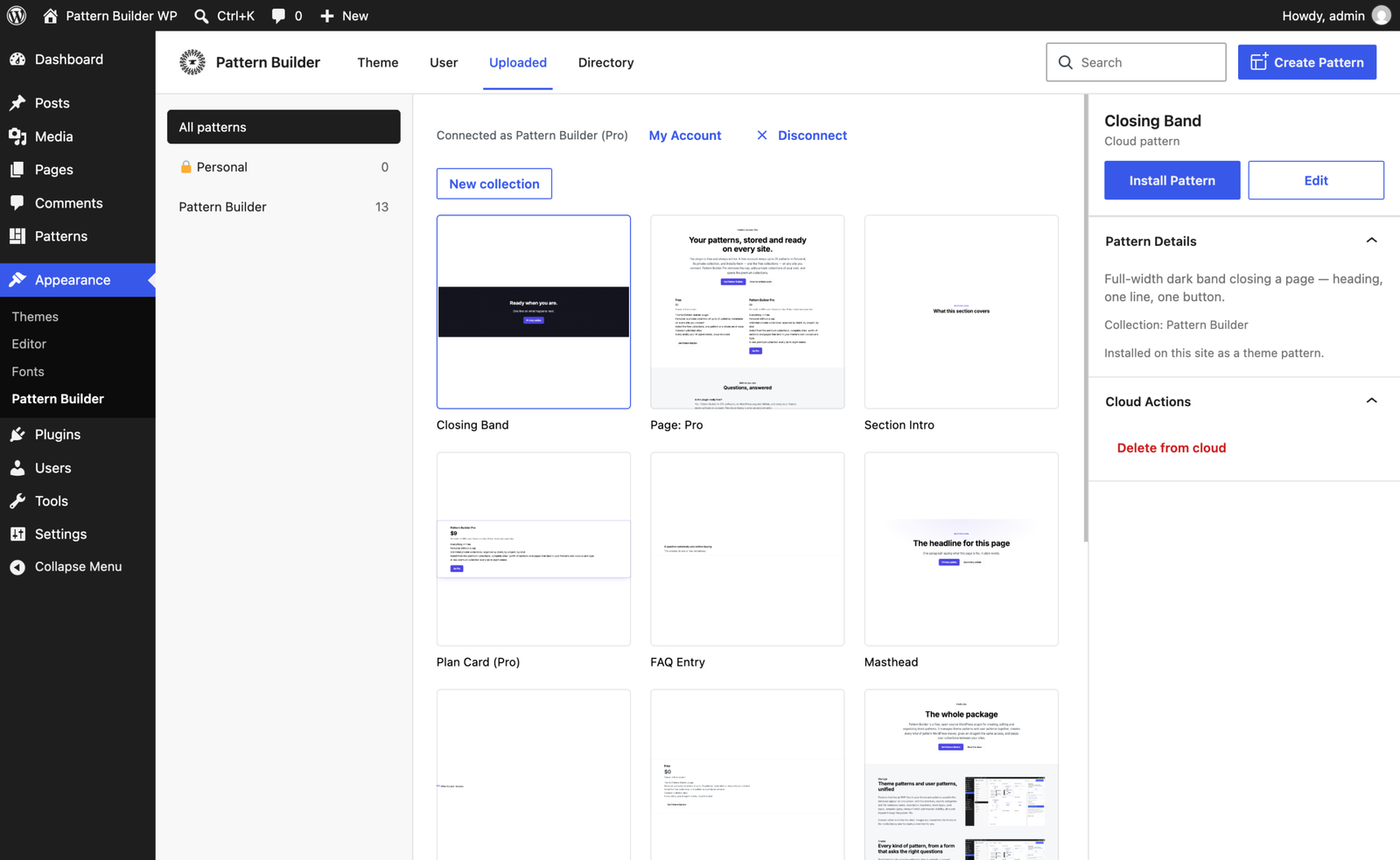
Theme patterns and user patterns in one editor
Patterns that live as PHP files in your theme and patterns saved in the database appear on one screen, with live previews, search, categories and full metadata: name, description, keywords, block types, post types, template types, viewport width and inserter visibility, all round-tripped through the pattern file.
Convert either kind into the other. Images are moved into the theme or the media library and the markup rewritten for you.
Create
Create any kind of pattern
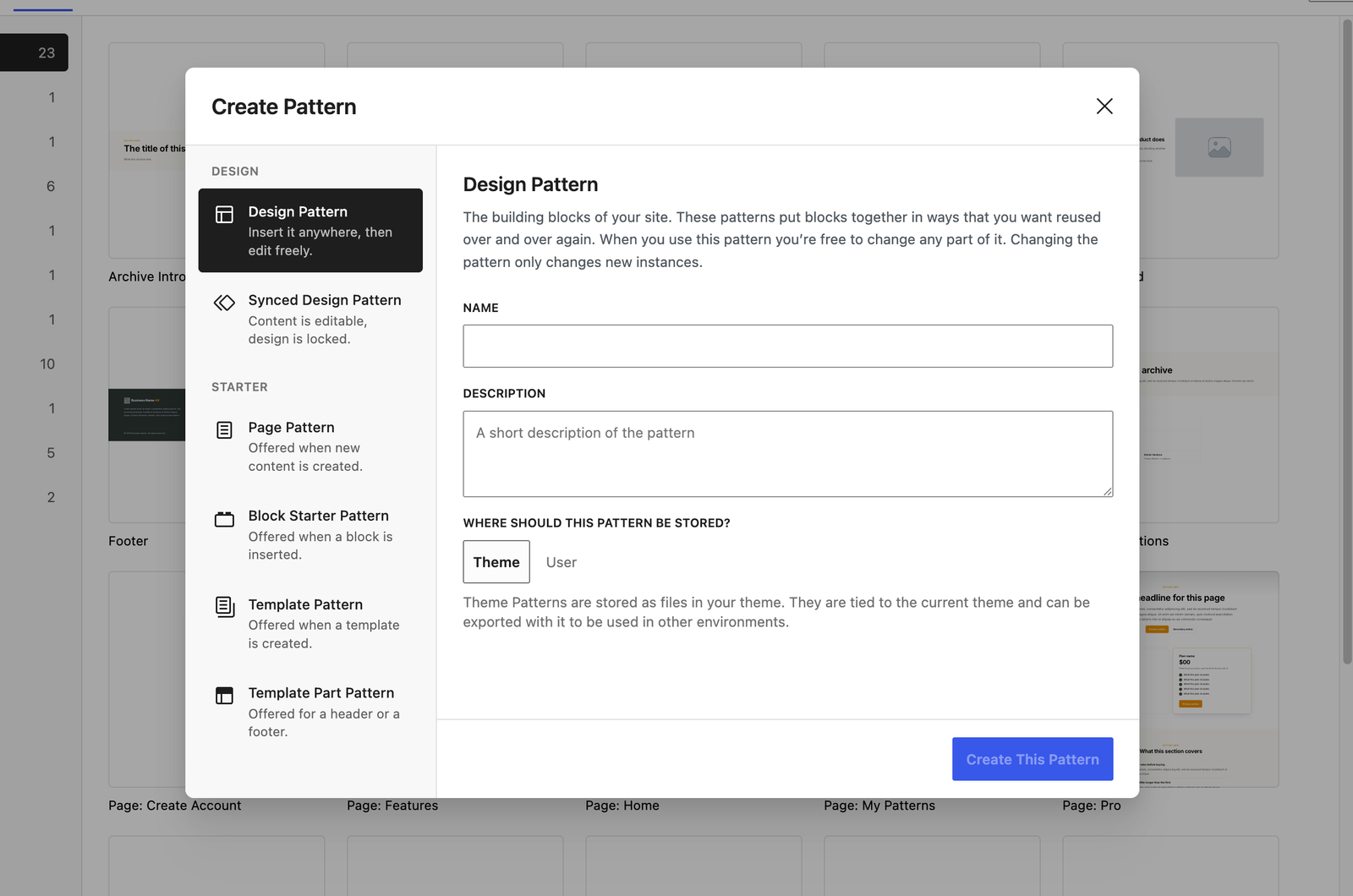
Start from the job: a design pattern to drop in and edit, a synced design pattern whose design stays consistent, or a starter pattern that WordPress offers when a page is created, a block is inserted, or a template or template part is made. Each kind fixes the metadata its job implies and asks only for what it leaves open.
Then build it in the WordPress editor itself, with the same panels available from any editor screen.
Synced theme patterns
Design once. Fill in the words anywhere.
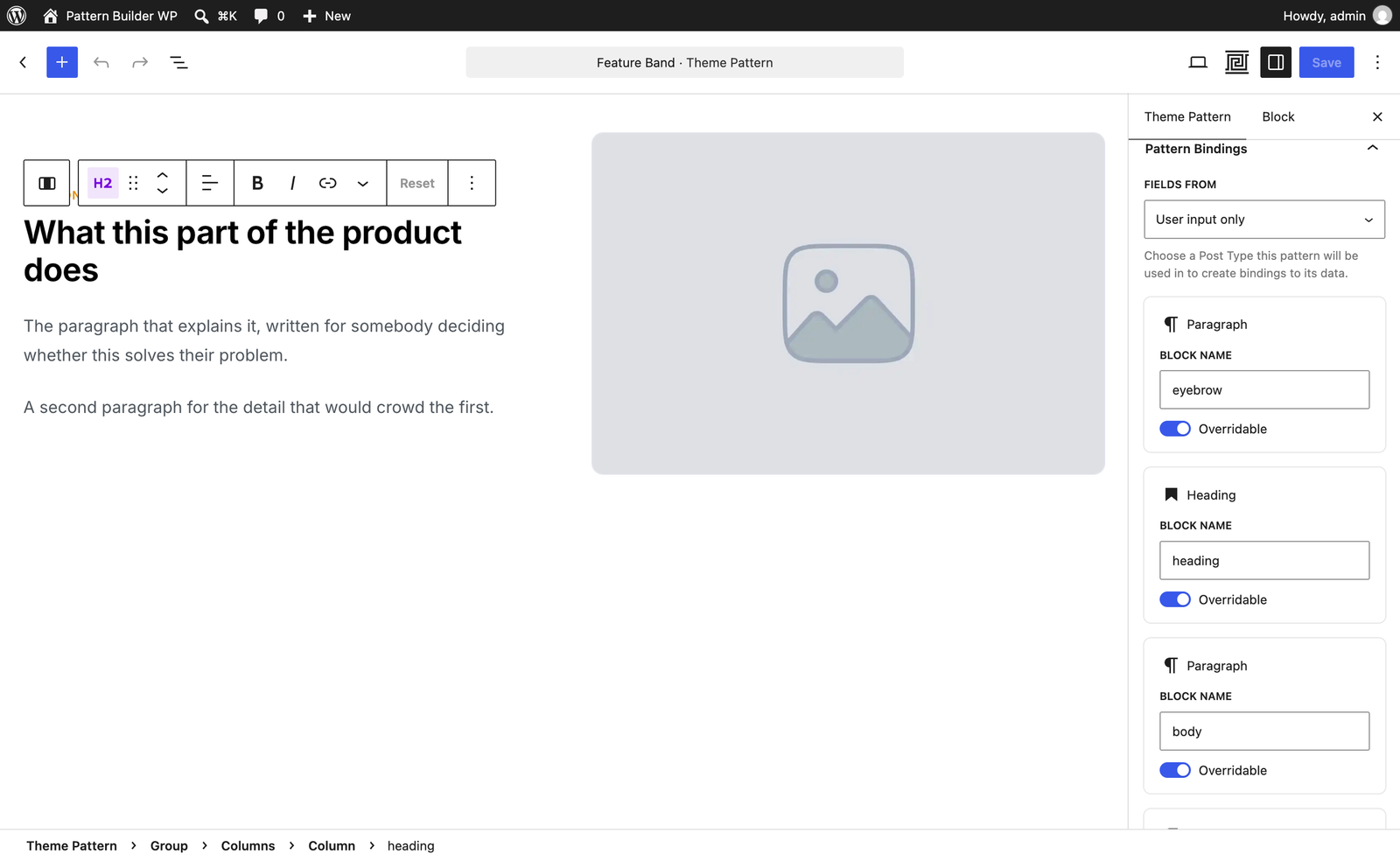
One header, Synced: yes, makes a theme pattern behave like a synced pattern: inserted as a reference, rendered from the file, editable only in the parts you marked. A page can fill those parts from its own file too, so a redesign touches one file per component and no copy.
Pattern Builder is the development tool. Ship the theme with Synced Patterns for Themes, the small companion plugin that renders the same patterns in production.
Agents
Ready for your agent
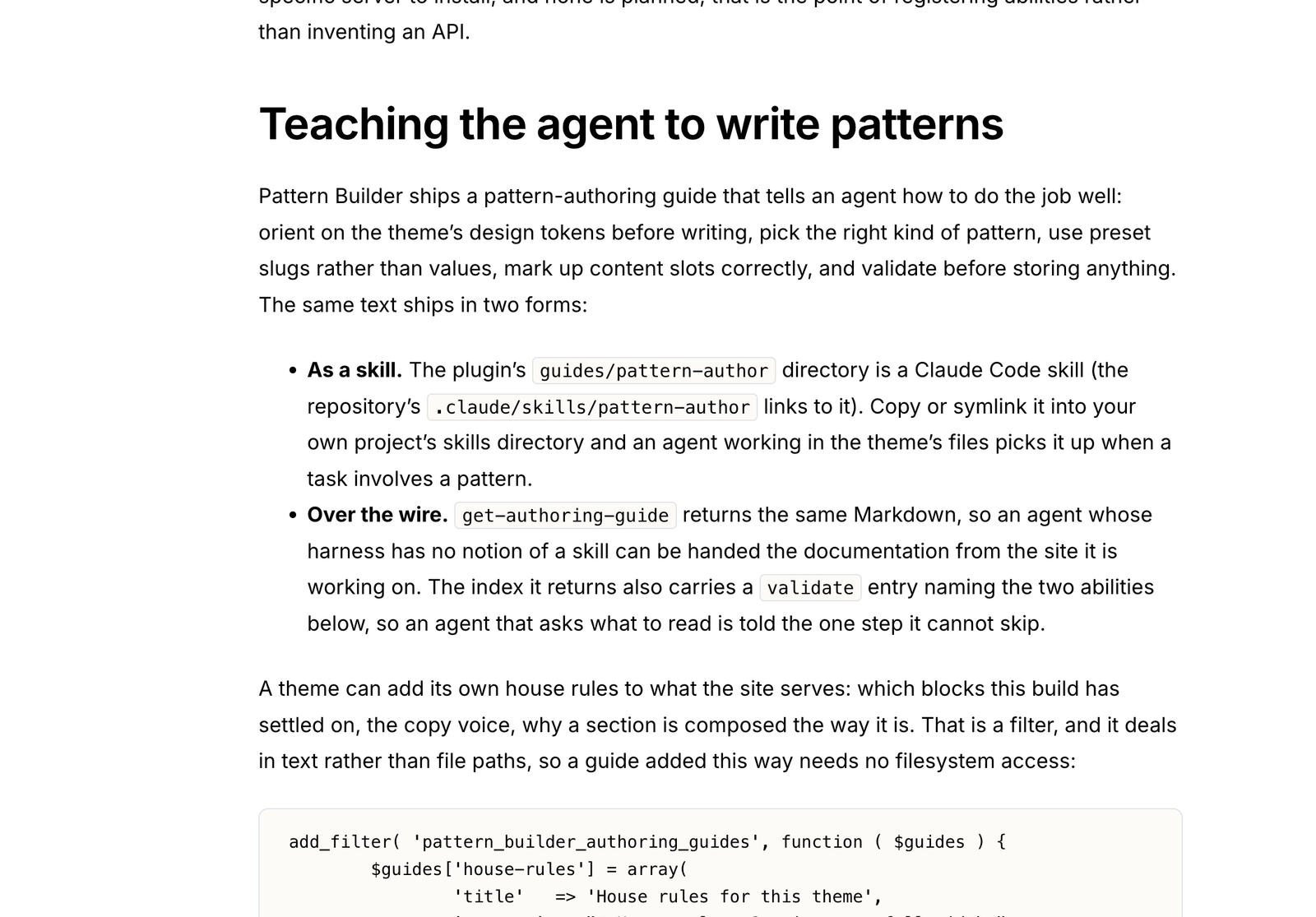
Pattern Builder registers twenty-six abilities with WordPress’s Abilities API. Any agent that can sign in to the site can read its design system and block types, list and render its patterns, fetch the pattern-authoring guide, store finished markup, and — through the account you connected — browse, install and upload collections, over REST or through an MCP bridge.
Nothing takes a prompt, and the agent never holds a cloud credential. The judgement stays in the agent; the site hands it the facts and a validator to check its work.
Your patterns, on every site
Collections that follow you
Connect a patternbuilderwp.com account from inside wp-admin, sign in or sign up without leaving the dashboard, and upload any pattern with its images into a collection: Personal, which is always private, or on Pro a private collection of your own. Edit it locally and update the cloud copy in place; a page pattern takes the sections it uses along with it.
On any other connected site, install it as a theme pattern or a user pattern, your call at install time. Missing design tokens are added to the destination for you.
Curated collections
Start from a complete site
Collections from Twenty Bellows and partner studios are browsable on this site and inside wp-admin. Open one in Pattern Builder and save a pattern, or the whole collection in one go — with one design-tokens step for everything it needs, and every pattern filed under the collection’s name. Premium collections sit alongside, browsable by everyone and installable with Pro.
Every collection is curated before it is published, every pattern passes automated content checks, and every install is sanitized again on the way in. Patterns are markup, never code, and Pattern Builder is the only way to install them — nothing downloads from this site.
Built right
On WordPress standards, all the way down
The real editor
Patterns open in the block editor you already know, with entity-powered saves, undo and dirty tracking. No proprietary canvas.
Files stay the truth
Theme patterns remain plain PHP files in your theme: versionable, shippable, yours. Nothing is mirrored into the database, and no core REST route is intercepted.
Free and open source
GPL-2.0 software, on WordPress.org and on GitHub. Every local feature works without an account; the cloud is an addition, not a gate.
Ready when you are.
Install Pattern Builder from WordPress.org. The docs will take it from there.